Sales needs material. Now.
A product sheet for a customer meeting. A presentation for a reseller. The business has the knowledge, but turning it into finished material often falls to just a few people.
Built by Multiproduktion – 20 years in the industry
From today’s product sheet to regular campaigns.
BrandRulePro is a shared workspace for your brand and marketing production. Bring your assets together, create on-brand content and keep communications moving with templates and AI support grounded in your business. We help configure the tools for your team’s daily work.
01 // Everyday marketing work
A product sheet for a customer meeting. A presentation for a reseller. The business has the knowledge, but turning it into finished material often falls to just a few people.
The newsletter is due and your social channels need content. Copy, images and the right source documents live in different places. Every task becomes another puzzle.
The brochure, invitation and screen video need to share a message and look like the same company. Meanwhile, everyday production has to keep moving.
Give your team a shared foundation to work from — and the tools to move forward.
02 // The shared foundation
Keep logos, images, colors, fonts and company knowledge together. Templates use your visual identity. AI tools draw on your voice, audiences and source material. Your team can start with the task, with the brand as its foundation.
Lock what must stay fixed. Guide what the team creates.
Your brand colors, logos, and fonts
Product information, service descriptions and company expertise give the AI writing tools shared source material. Add documents, PDFs, web pages and images to the knowledge base. Then review the suggestions against what you want to say.
03 // What your team can do
Use the same brand and source material across different tasks. Templates and AI support help more people contribute without having to master every production tool.
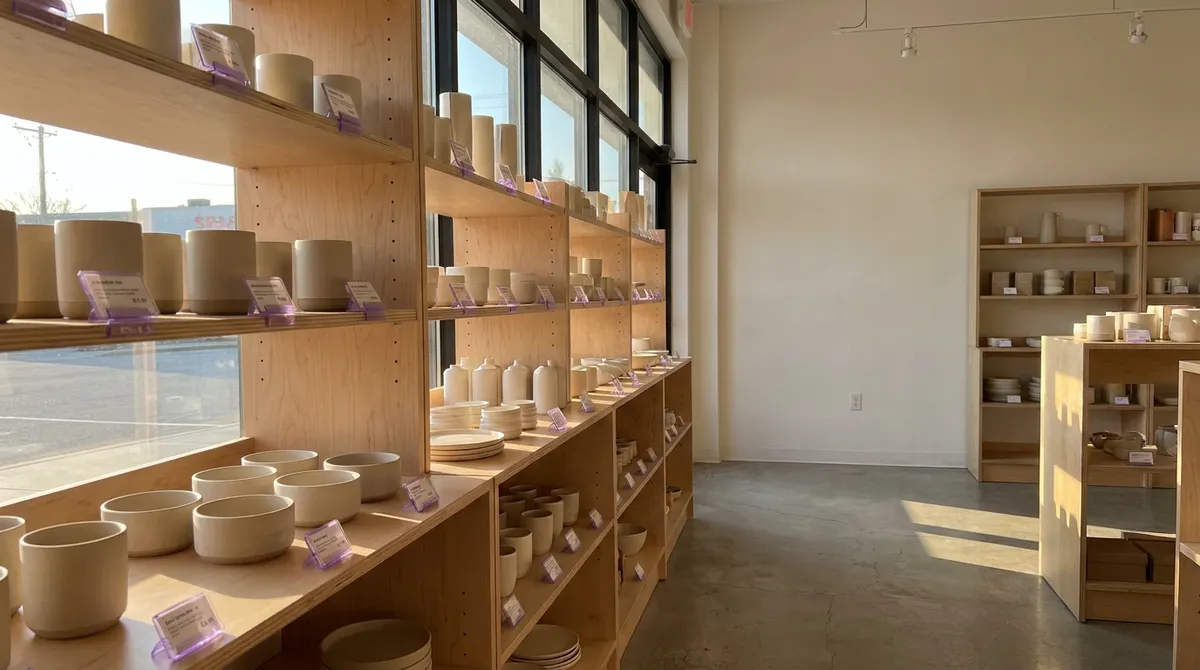
For a trade show, member recruitment or a product you want to promote. Run small and large campaigns regularly, each with its own goal and a connected concept, visual direction and channel plan.
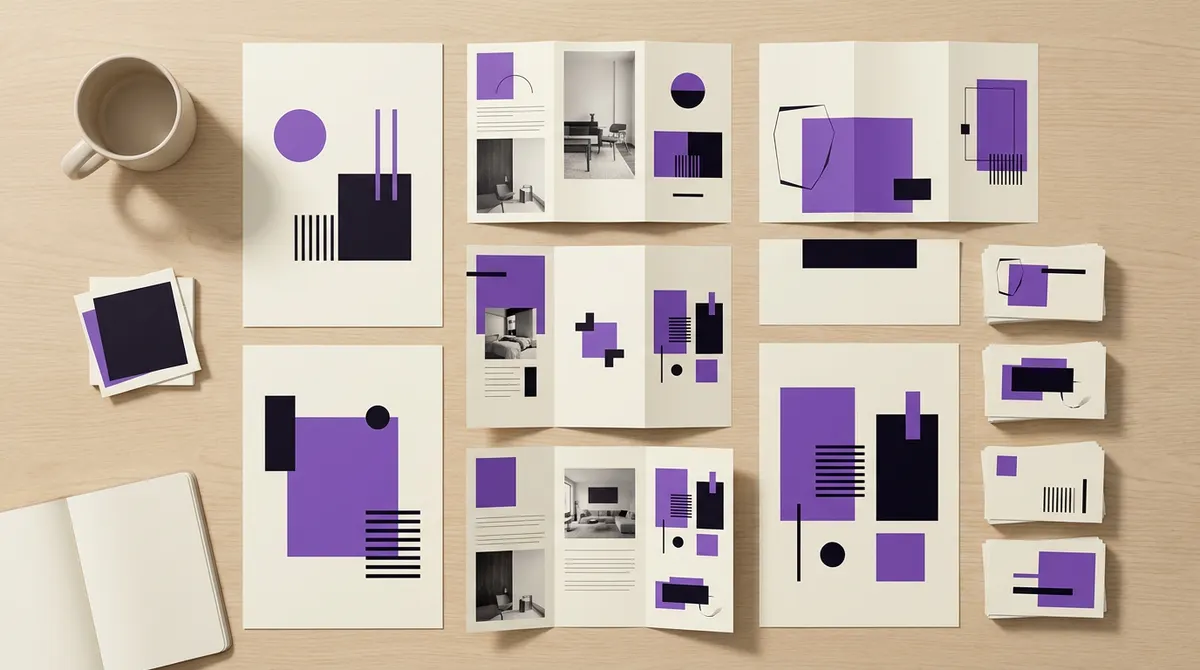
Create product sheets, presentations and material sales can take to customers. Adapt it for local teams and resellers within your brand rules.

Write newsletters, articles and social posts with support from your brand voice. Create images and short videos that belong with the copy.
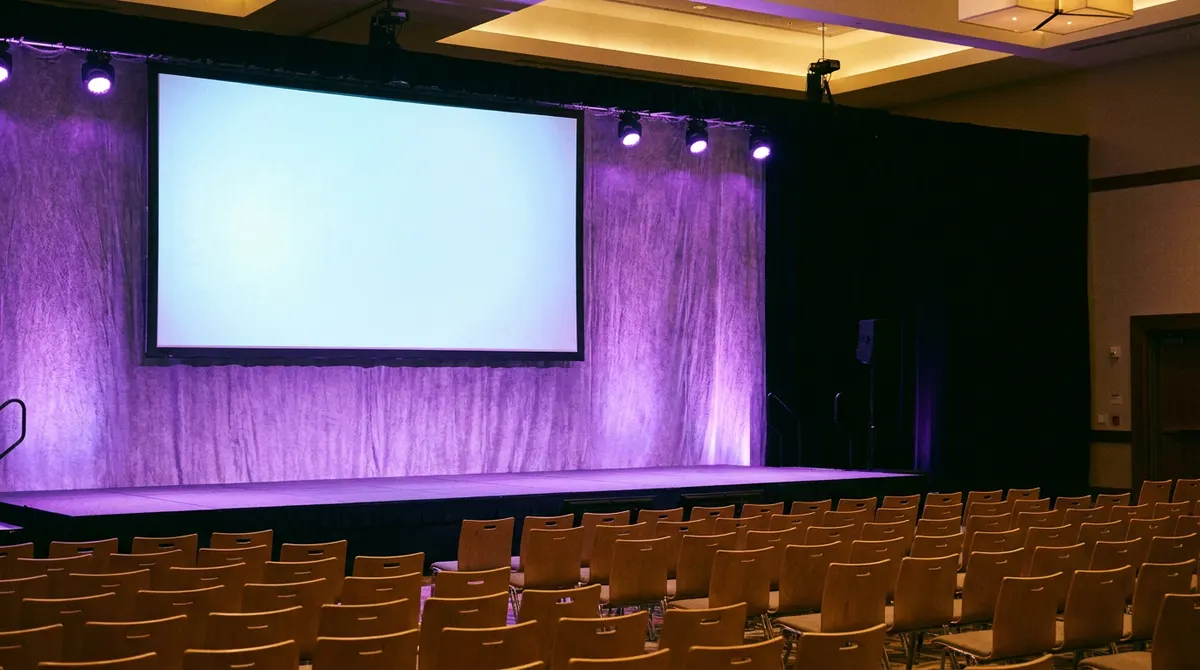
Give invitations, print, presentations and screen content the same visual identity. Adapt your material for different formats and languages.
Your team sends or distributes newsletters, print and event material separately. Advertising and results are modules enabled for your company.
03.1 // Copy for your channels
Start with shared source material and create copy for newsletters, SMS, Instagram, LinkedIn and other channels in one workflow. Each text draws on your brand voice and the content type linked to its channel — with its structure, tone and length. You review and refine the suggestions.
Subject line, introduction and room for detail
Step inside the studio on 12 October. Discover how our ceramics are made and meet the people behind them. Find out more and plan your visit.
A short message and a clear call to action
Open house at the ceramics studio, 12 October. Come and meet us! Find out more on our website.
Image-led copy that starts a conversation
From a lump of clay to your favourite cup. On 12 October, we’re opening the studio doors. Who would you bring along?
An angle relevant to a professional audience
How does craftsmanship become part of a product’s identity? On 12 October, we’re opening our ceramics studio to share the work behind our products. Come and meet the team.
A channel can have several content types, such as an invitation and a reminder. Newsletter and SMS copy can be created here even when another system handles sending.
04 // More people can contribute
Let the people who know the business contribute the content. Templates, shared sources and AI support help the team turn it into finished material.
With our help, configure the brand, templates and permissions. Choose what users can edit and which elements stay locked.
Adapt copy and images, use shared assets and produce the formats you need. AI offers suggestions to review; template locks control what can change.
05 // Everyday campaigns
A clear goal. A connected idea. Content to put to work.
Build interest ahead of a trade show. Promote a product. Recruit members, raise brand awareness or make the most of the season. BrandRulePro helps develop ideas, content and a channel plan around your goal — for small recurring initiatives and larger projects alike.
You choose the goal, scope and channels, then review the suggestions. Approve the plan to create calendar drafts and finish the content there. The same workflow supports a focused initiative and a larger launch.
 Product photo + facts
 Goal: launch the collection
Make room for a slower morning.
Selected concept → creative brief


Warm light. Natural textures. Quiet mornings.
Teaser → Launch → Proof → Reminder
Review plan → create draftsStart: use a product URL, photo, PDF or your own description as the source
Concept: choose and develop ideas into a shared creative brief
Look: choose a reference image and draw directly on images to give feedback
Plan: review phases, channels and posts before filling the calendar
Take the brief and campaign plan to your next meeting as PDFs
06 // Everyday publishing
Everyday content and campaigns in one view.
Adapt copy, images and video for each channel and schedule publishing to LinkedIn, Facebook, Instagram, YouTube and TikTok. Templates, AI copy and brand assets are part of the same workflow. Follow publishing status per channel right in the calendar.
Plan newsletters, print and events alongside the campaign too. Your team sends or publishes the material for those channels separately.
Plan and manage your marketing activities
Copy and media checked per channel
06.1 // Advertising
Keep the message consistent when you buy reach.
Plan ads alongside organic posts. AI writes ad copy using the campaign message and each platform’s format. Review creative, audience and budget in the same workflow, then submit the ad to your connected ad account.
Ads are created paused. Review them and activate separately when you are ready. Advertising is enabled as a module for your company.
Discover the autumn ceramics collection.
Make room for a slower morning.Review before activating
06.2 // Results
See what your content achieved. Take the learning forward.
See results where each post already lives and track progress in a shared results view. Compare content types, formats and campaigns using the available data. The campaign strategist uses the same evidence when you plan your next campaign.
Metrics reflect what each channel reports. When there is too little history, the system draws no conclusions. Results is enabled as a module for your company.
12 posts. 180 reactions. What worked?
| Content type | Posts | Reactions / post |
|---|---|---|
| Guides | 4 | 21 |
| Product news | 4 | 12 |
| Behind the scenes | 4 | 12 |
Next plan: test more guides, using this campaign as context.
07 // Explore further
Take a closer look at how copy, templates, images and video are created. Explore the product views and details for the tools you want to know more about.
03.0 // AI & Copywriter
Your voice. Your audiences. Always the right tone.
Most AI tools produce generic text that fits everyone and no one. BrandRulePro's AI agent knows your brand voice, your audience personas, and your knowledge base – and writes text that sounds like you, for the right person, in the right channel.
Generate copy for all channels with pre-configured content types – LinkedIn posts, ads, newsletters, press releases. Choose channel, choose persona, get the right format and tone instantly.
Enter a topic. BrandRulePro analyzes what competitors rank for, identifies gaps, and writes an article optimized to beat them – not just match them. Ready to publish, optimized for Google and AI search (GEO).
In the AI editor, you work directly with an AI agent that knows your brand voice. Select a paragraph and ask it to rewrite it – sharper, shorter, more persuasive. Ask it to take on the whole document: shift the tone, adapt to a new audience, tighten the structure. It's a conversation, not a form. Your voice holds throughout.
Plan, research, and generate a full series of interconnected articles in one session. AI builds a series plan — titles, angles, and keywords — then writes each article with cross-article context, so every piece builds naturally on the last.
03.2 // AI Design Agent
From brief to template — in seconds.
Type what you want. BrandRulePro's AI reads your Brand Kit — colors, fonts, gradients — and generates a complete template layout: text, shapes, and image placeholders positioned and styled. Works in Still Builder, Video Builder, and HTML5 Banner Builder. Refine through conversation until it's right, then apply with one click.
Unlike tools that start with a blank canvas, the AI Design Agent starts with your brand already built in.
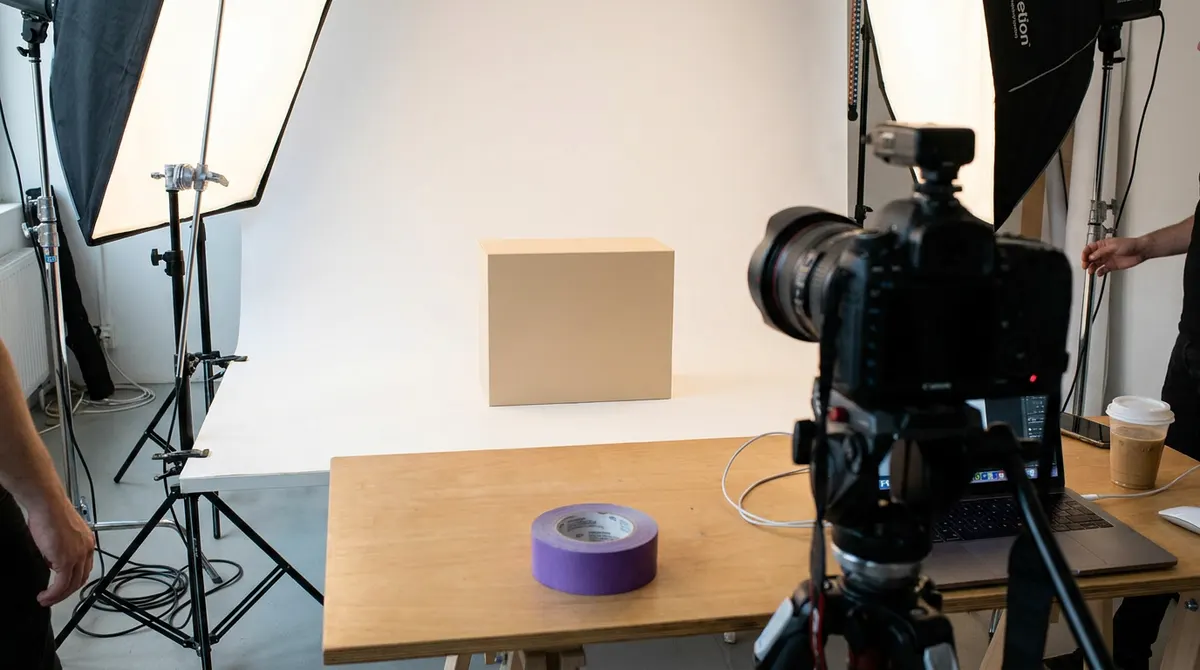 Person Product Camera
 03.4 // Templates & visual content
Change once – all formats update.
Build still and video templates in the browser, or let us help set them up. You decide what the team may edit and which brand elements stay locked. Allow a headline or a whole group to move within a defined area for each format, for example.
Give your team freedom within your rules. The same template can allow a wide placement area in landscape and keep the logo in a designated corner in a story.
Rule every pixel.
Edit text and images directly in the browser – export as PNG, PDF or WebP in all social formats. Upload a CSV and generate hundreds of localized variants in seconds.
Keep stories, feed images, display and print in one template. Update shared copy and images across formats, then refine the placement where needed. What a user moves in one format stays in that format.
The same logic applies to video templates. 16:9, 9:16 and 1:1 render in parallel – animations and brand lock active in all.
Animated video templates in the browser – swap text, logo and footage, the animation stays. Export MP4 in all social formats. Publish directly as branded video pages with embed code – replaces Vimeo.
VIDEO_TEMPLATE_01 · 16:9 / 9:16 / 1:1 03.5 // Batch & multilingual
Write once. Get the full matrix.
Every template has a built-in spreadsheet. Change the text once — all format variants update simultaneously. Add languages, click Apply, and AI translates every row for every format at once. A campaign in five formats and five languages gives you 25 export-ready files in one batch. PNG, PDF, or MP4.
No CSV downloads, no manual resizing, no translation tools — the full campaign matrix in the browser.
03.6 // HTML5 banners
Design one format — AI adapts the rest.
Design your base format. Select the other IAB sizes you need. AI analyzes the layer structure and generates layout proposals for each format — proportions and hierarchy adapted automatically. Export production-ready ZIP files for Google Ads, Adform, or Xandr with zero coding.
Unlike standalone banner tools, everything lives in your brand profile — and the AI adaptation is based on your actual design, not a generic template.
Select one or more IAB standard sizes. You can add more sizes later.
Choose your base format and select the IAB sizes you need to deliver. BrandRulePro analyzes the layer structure, typography, and image placement in the base format and creates layout proposals for each selected size. Export self-contained ZIP files — all assets embedded, no external requests at delivery.
03.7 // Professional video
Subtitles, animations, and audio — all built in.
BrandRulePro's video tools go beyond templates. Add AI-powered subtitles with cinematic highlight effects. Apply one of 110+ animation presets with live preview before you commit. Enhance audio quality automatically on upload — noise reduction, normalization, and clarity. Everything runs in the browser and exports in all formats.

AI transcription with word-level timing in 26+ languages. Karaoke, word-by-word, and line highlight modes. 12+ effects: glow, neon, shadow, 3D, gradient. SRT import, AI quality review, and multi-language translation with timing preserved.
110+ entrance, loop, and exit presets with live animated preview on hover. Favorites system, intensity multiplier, and per-format speed overrides. The same preset engine runs in browser preview and exported MP4 — no visual difference.
Automatic noise reduction via ClearerVoice-Studio (MossFormer2) and FFmpeg normalization on every upload. Toggle between original and enhanced audio per asset. Works across voiceover, music, and SFX layers.
03.8 // Video Hosting
Your player. Your brand. Any destination.
Every video in BrandRulePro can be hosted directly on the platform — no Vimeo, no YouTube required. Build a branded landing page in minutes with your colors, logo, CTA, and contact form. Or generate an embed code and drop the player on any external website or campaign page. HLS adaptive streaming automatically serves the right quality based on the viewer's connection.
Unlike Vimeo or YouTube, every element — player, page, colors, controls — is styled in your brand, not theirs.
1080p720p480p HLS · adaptive 04.0 // AI Image Generation
Your visual style. Generated on demand.
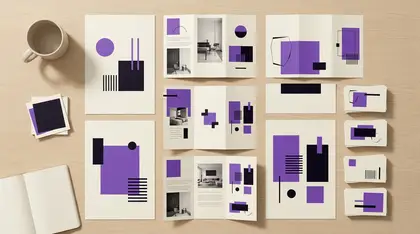
AI Studio lets you configure image generation modules based on your company's own visual references. Users don't write prompts — they follow a guided upload flow and the module generates on-brand imagery in your style. Each module is configured by your admin with its own parameters and reference images.
Unlike generic AI image tools, every module is calibrated to your visual style — not trained on everyone else's.


04.4 // Teleprompter
Professional delivery. From your phone.
The BrandRulePro mobile app includes a built-in teleprompter. Your script scrolls at the top of the screen — just below the selfie camera — so you can read while maintaining natural eye contact with the lens. Adjust text size and scroll speed. Write scripts manually, or let AI generate them from your topic and brand voice.
Hi — welcome to the autumn collection.
Every piece is thrown by hand in our studio,
then glazed in small batches, so no two are
ever quite the same.
Come see them in store from the ninth.
08 // Your way of working
We start with the work you need to get done. Together, we bring your sources together and configure the brand, templates and AI support for your recurring tasks.
We discuss who will create material, what they need to produce and where the work gets stuck today.
We configure your identity, voice, audiences, knowledge base and selected templates with you.
Your team gets an introduction to the tools and how to use them in your workflows.
We stay available for support and continued configuration as you need new templates, content types or other adjustments.
04.8 // Tutorials
Short video guides showing exactly how something is done.
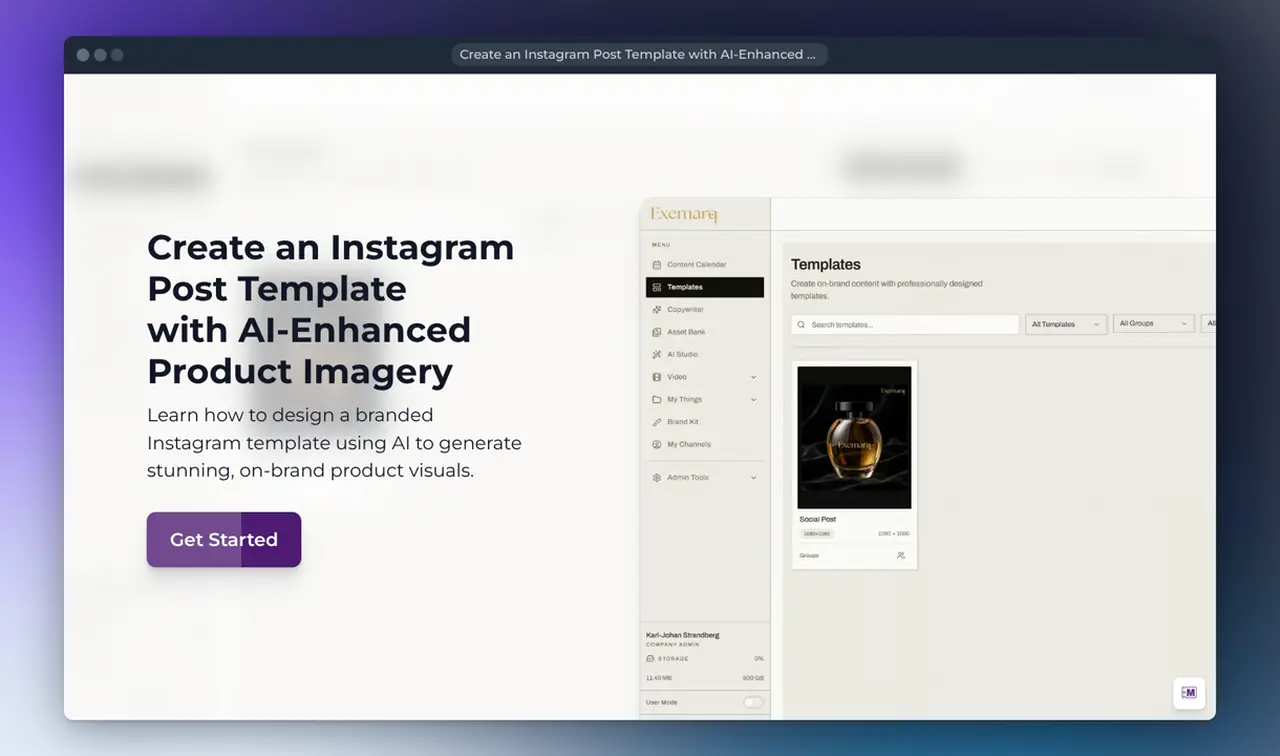
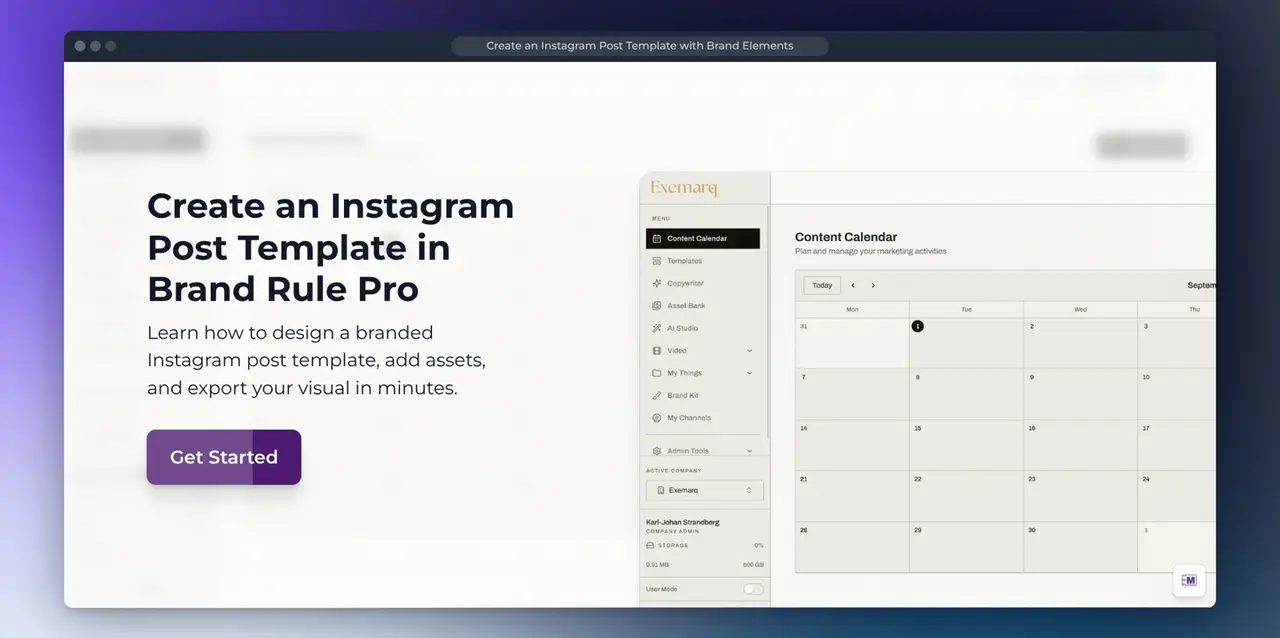
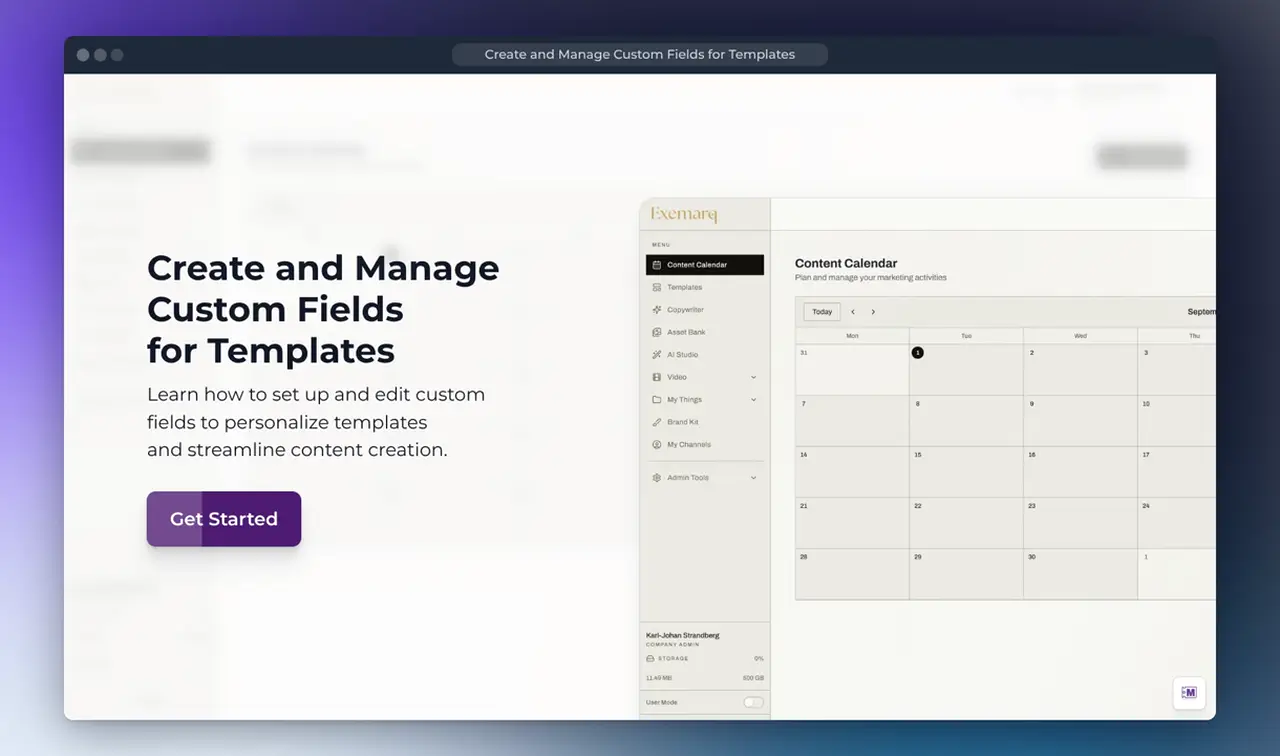
Each guide follows one concrete task from the first click to the finished file — building a template, pulling images from the Asset Bank, exporting every format. The guides are open to everyone and need no login.
Multiproduktion · 20 years
BrandRulePro is built by the team behind Multiproduktion – with 20 years in the production industry. We've seen brands erode from inconsistent communication in companies of all sizes – from startup to enterprise. We've worked with marketing directors who spent more time correcting mistakes than creating something new. That's why BrandRulePro exists. Not because we saw a market gap. But because we needed it ourselves – and built what we wished had existed.
Join the demo queue06.0 // Demo
Tell us what you need to get done and where production gets stuck. In the demo, we use a demo brand to show how BrandRulePro can support your work and discuss how your workspace would be set up.
We currently have a queue.
It's a deliberate choice – we want to do it right for every customer, not fast for everyone. Sign up and we'll reach out when it's your turn.
Got a question? Talk to Greta.